Hi Bogdan,
I tried cms-app, but the i got this error:
CException
Псевдоним "ext.tinymce.TinyMce" неверен. Убедитесь, что он указывает на существующий PHP файл.
Is there an english version?
And there was no extensions in the cms package. Could you help?
Thanks Laszlo from Hungary
z_bodya
August 19, 2012, 4:12pm
9
tihanyilaci:
Hi Bogdan,
I tried cms-app, but the i got this error:
CException
Псевдоним "ext.tinymce.TinyMce" неверен. Убедитесь, что он указывает на существующий PHP файл.
Is there an english version?
And there was no extensions in the cms package. Could you help?
Thanks Laszlo from Hungary
At this moment, all labels in cms-app are in russian language. But if you want you can change language for system messages, editing this line “Yii::app()->language = ‘ru’;” in AdminModule class.
About an error: maybe you dowloaded snapshot from bitbuket, not cloned repository with all it subrepositories… - try to clone it using mercurial or download from post above
maodanh
August 21, 2012, 12:47am
10
Very professional, I like it. (Newbie
At this moment, all labels in cms-app are in russian language. But if you want you can change language for system messages, editing this line “Yii::app()->language = ‘ru’;” in AdminModule class.
About an error: maybe you dowloaded snapshot from bitbuket, not cloned repository with all it subrepositories… - try to clone it using mercurial or download from post above
Now it works. Thanks for the help! Great app. I’m interested in the gallery module, so i will look for it in this testapp, hope i will not have more questions.
11117
October 15, 2012, 2:38am
12
hi Bogdan:
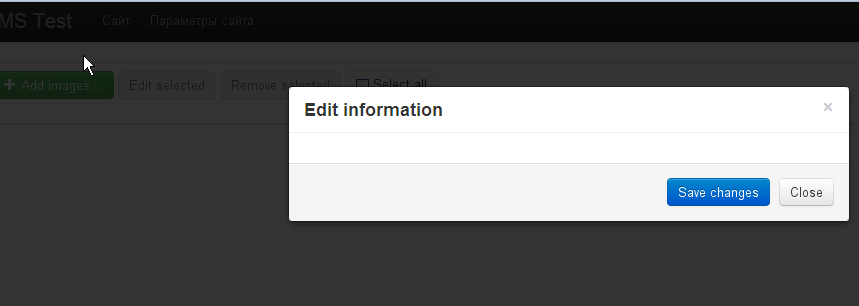
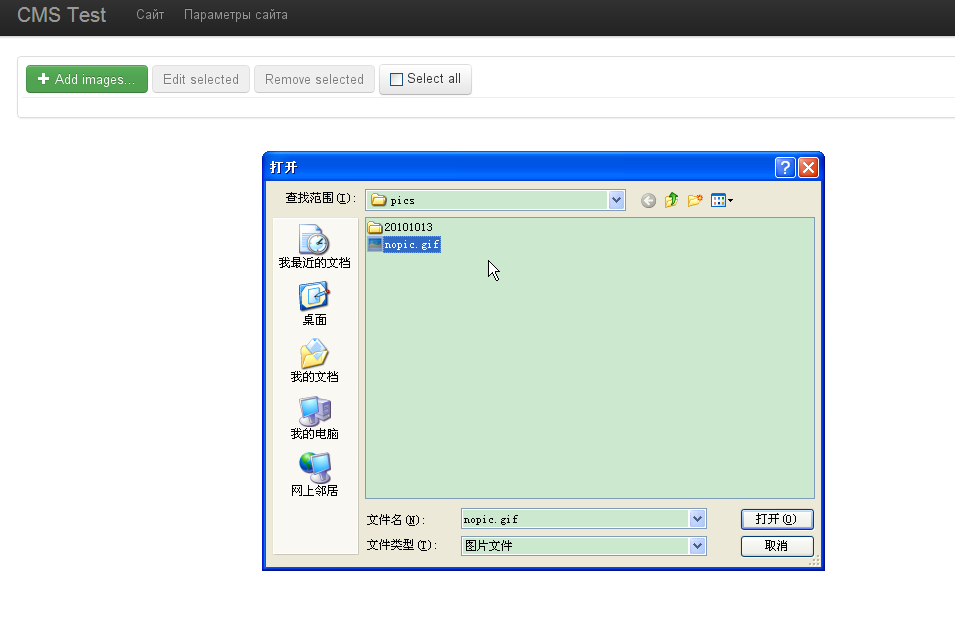
I can run cms-test ok! but i cannot upload any picture to server when i try to use galleryManage via to "testapp/admin/test/gallery/".The folder uploads,images,protected/runtime is written by server.
How can i run it ok?
ps:when i upload a picture nothing error message give me.
3341
选择图片.PNG
3342
z_bodya
October 15, 2012, 4:00pm
13
hi Bogdan:
I can run cms-test ok! but i cannot upload any picture to server when i try to use galleryManage via to "testapp/admin/test/gallery/".The folder uploads,images,protected/runtime is written by server.
How can i run it ok?
ps:when i upload a picture nothing error message give me.
3341
选择图片.PNG
3342
Folder named "gallery" in webroot should be written by web server process.
Also about error - you can see it in network tab in crome developer tools. Or alternatively - look into application log
krai500
October 21, 2012, 4:03pm
14
hi Bogdan,I have same problem with this.
hi Bogdan:
I can run cms-test ok! but i cannot upload any picture to server when i try to use galleryManage via to "testapp/admin/test/gallery/".The folder uploads,images,protected/runtime is written by server.
How can i run it ok?
ps:when i upload a picture nothing error message give me.
3341
选择图片.PNG
3342
I test on my PC with Window 7 Apache2.2.
Folder named "gallery" can written by webserver.
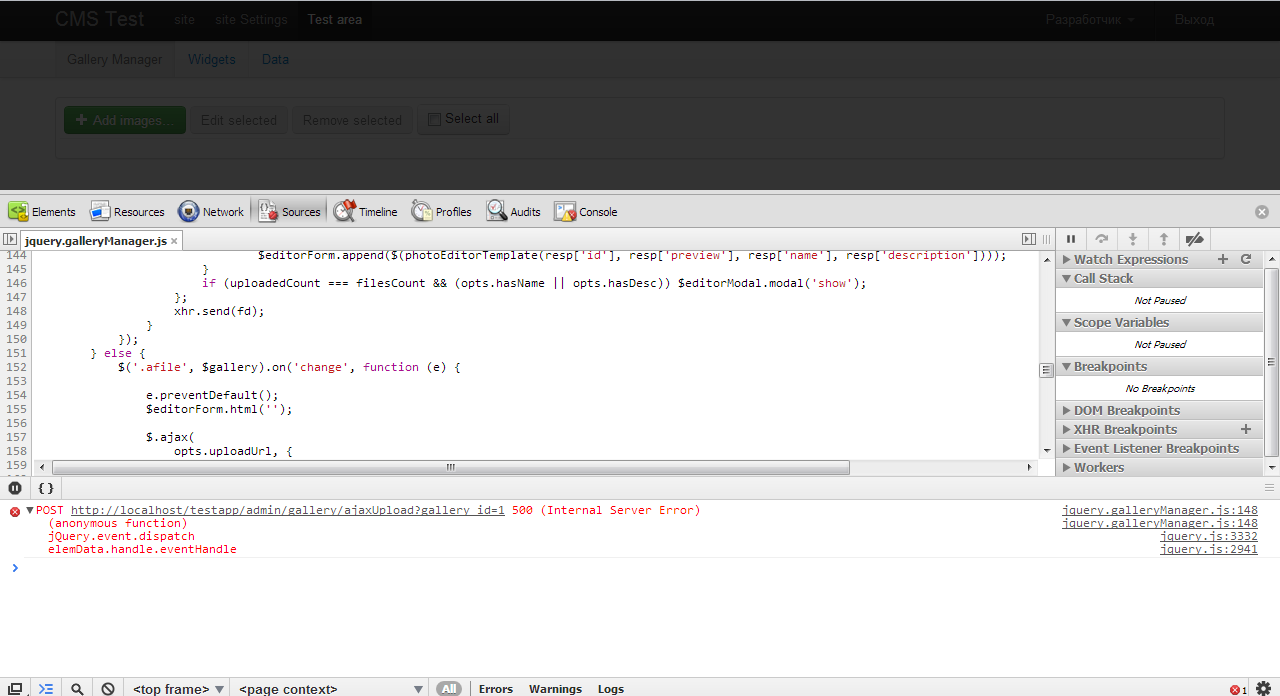
And this is screenshot about Error that I captured on chrome developer tools.3373
z_bodya
October 21, 2012, 6:23pm
15
Probably something wrong with image component.
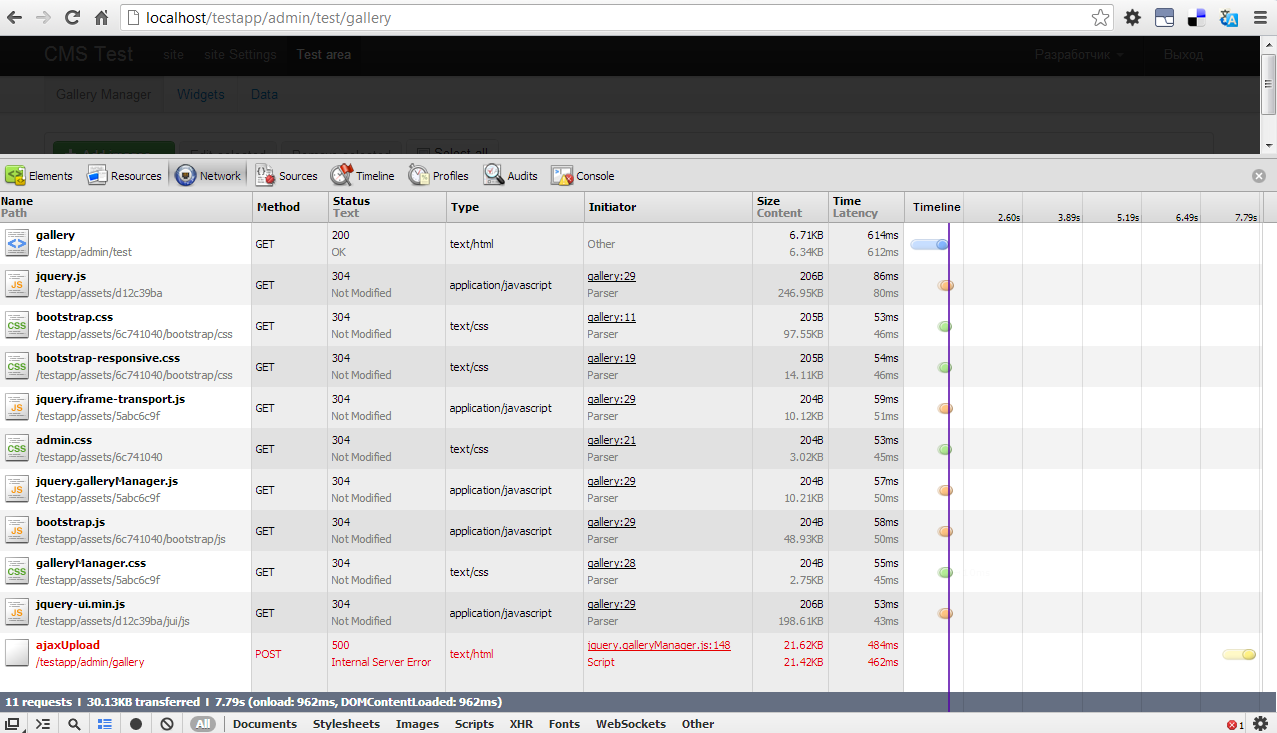
Can you show response from server? (there, should be, some description of error which occured on server - You can see it in network tab in crome developer tools)
krai500:
hi Bogdan,I have same problem with this.
I test on my PC with Window 7 Apache2.2.
Folder named "gallery" can written by webserver.
And this is screenshot about Error that I captured on chrome developer tools.3373
krai500
October 22, 2012, 5:30am
16
Probably something wrong with image component.
Can you show response from server? (there, should be, some description of error which occured on server - You can see it in network tab in crome developer tools)
This is some error that I can show. 3374
This is "application.log" file.
2012/10/22 12:53:09 [error] [php] Undefined index: photo (D:\WebServer\Apache2.2\htdocs\testapp\protected\extensions\galleryManager\GalleryController.php:104)
Stack trace:
#0 D:\WebServer\Apache2.2\htdocs\yii\framework\web\CController.php(287): GalleryController->runAction()
#1 D:\WebServer\Apache2.2\htdocs\yii\framework\web\CController.php(266): GalleryController->runActionWithFilters()
#2 D:\WebServer\Apache2.2\htdocs\yii\framework\web\CWebApplication.php(283): GalleryController->run()
#3 D:\WebServer\Apache2.2\htdocs\yii\framework\web\CWebApplication.php(142): CWebApplication->runController()
#4 D:\WebServer\Apache2.2\htdocs\yii\framework\base\CApplication.php(162): CWebApplication->processRequest()
#5 D:\WebServer\Apache2.2\htdocs\testapp\index.php(13): CWebApplication->run()
REQUEST_URI=/testapp/admin/gallery/changeData
in D:\WebServer\Apache2.2\htdocs\testapp\protected\extensions\galleryManager\GalleryController.php (104)
in D:\WebServer\Apache2.2\htdocs\testapp\index.php (13)
2012/10/22 12:53:09 [error] [php] Undefined index: photo (D:\WebServer\Apache2.2\htdocs\testapp\protected\extensions\galleryManager\GalleryController.php:104)
Stack trace:
#0 D:\WebServer\Apache2.2\htdocs\yii\framework\web\CController.php(287): GalleryController->runAction()
#1 D:\WebServer\Apache2.2\htdocs\yii\framework\web\CController.php(266): GalleryController->runActionWithFilters()
#2 D:\WebServer\Apache2.2\htdocs\yii\framework\web\CWebApplication.php(283): GalleryController->run()
#3 D:\WebServer\Apache2.2\htdocs\yii\framework\web\CWebApplication.php(142): CWebApplication->runController()
#4 D:\WebServer\Apache2.2\htdocs\yii\framework\base\CApplication.php(162): CWebApplication->processRequest()
#5 D:\WebServer\Apache2.2\htdocs\testapp\index.php(13): CWebApplication->run()
REQUEST_URI=/testapp/admin/gallery/changeData
in D:\WebServer\Apache2.2\htdocs\testapp\protected\extensions\galleryManager\GalleryController.php (104)
in D:\WebServer\Apache2.2\htdocs\testapp\index.php (13
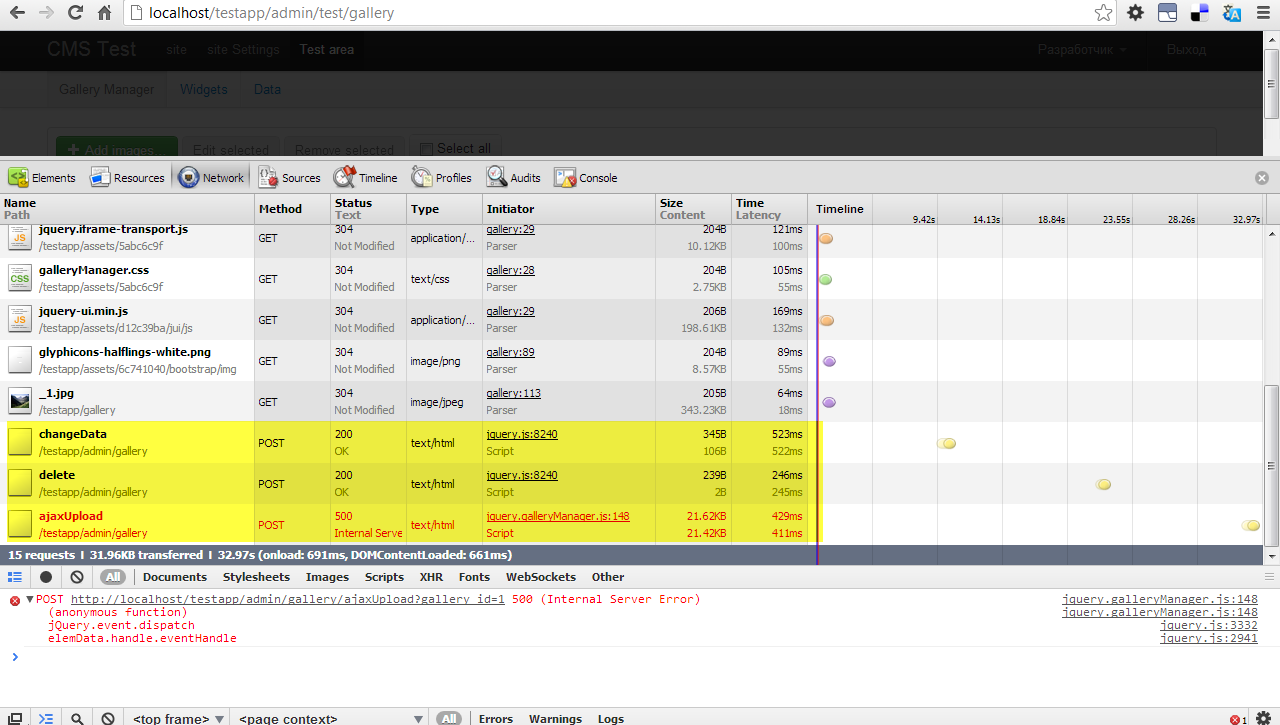
I have tested something.I added photo direct to server by mysql.
3376
I tested editing and deleting.It’s work.Except Adding new image It’s not work.
3377
z_bodya
October 22, 2012, 8:09am
17
krai500:
This is some error that I can show. 3374
This is "application.log" file.
I have tested something.I added photo direct to server by mysql.
3376
I tested editing and deleting.It’s work.Except Adding new image It’s not work.
3377
Ok. Application log is good.
Two errors in application log was because error when uploading photos to server.
About network tab - can you show responce body after upload error?
krai500
October 22, 2012, 10:21am
18
Ok. Application log is good.
Two errors in application log was because error when uploading photos to server.
About network tab - can you show responce body after upload error?
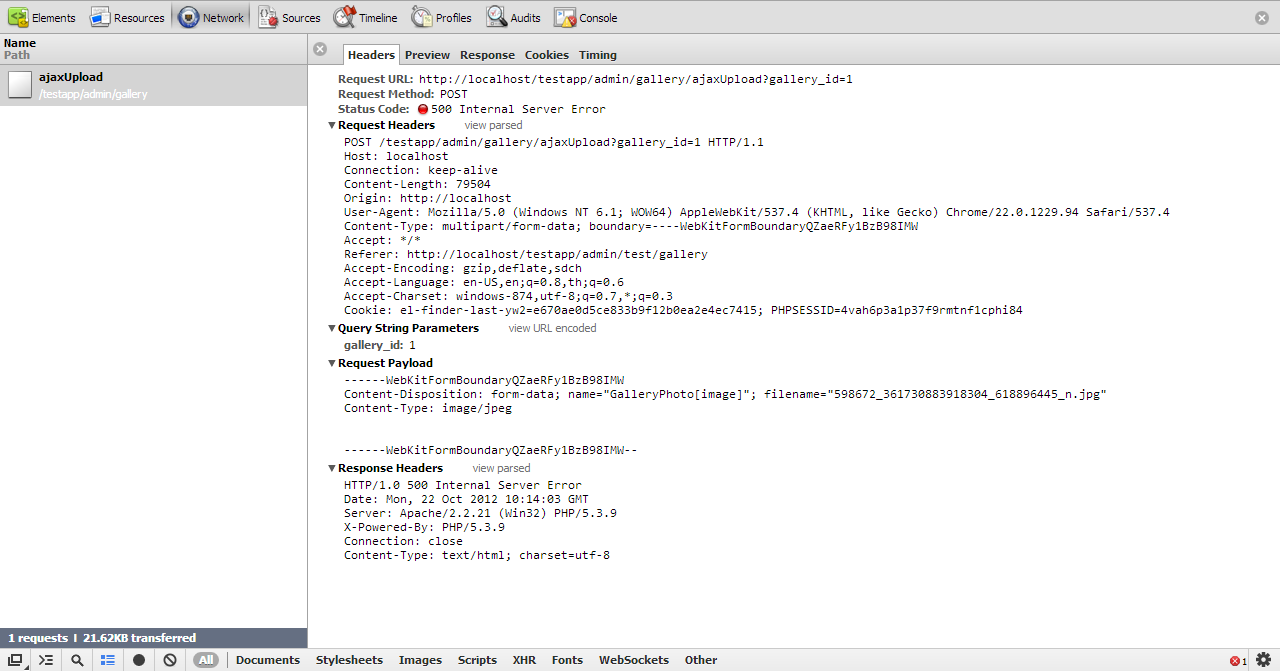
Header:
3378
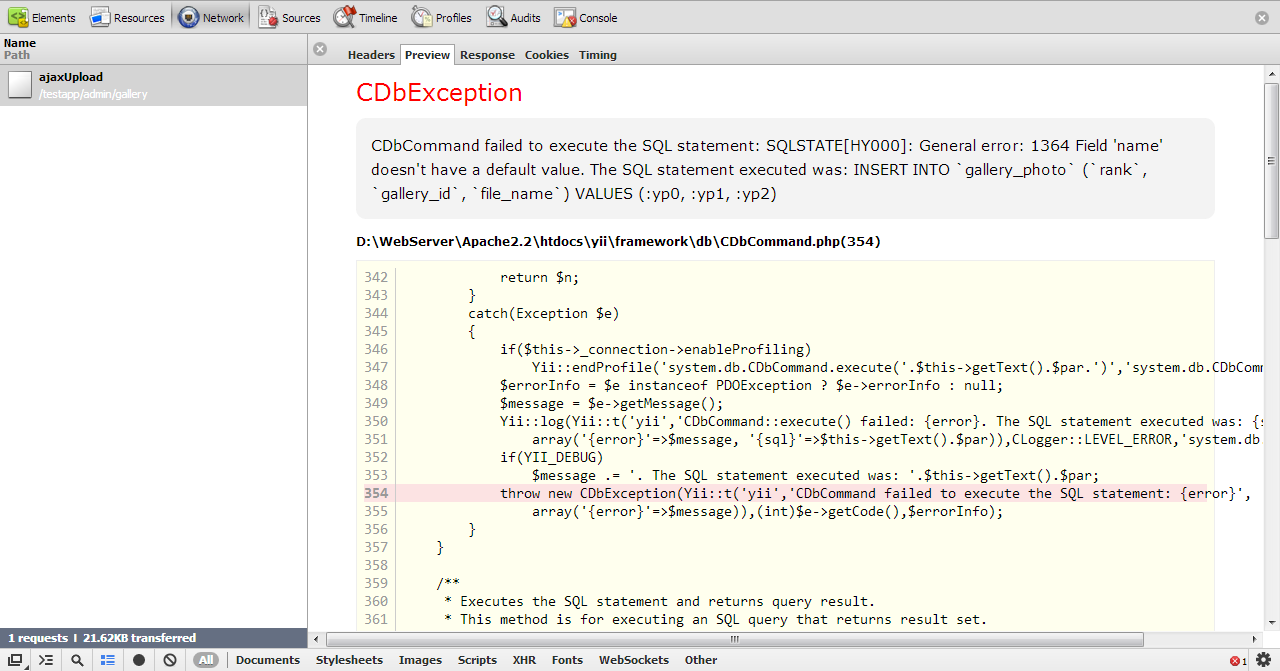
Preview:
3379
Response:
3380
response_tab.txt
If you want other Information.You can tell me more.
z_bodya
October 22, 2012, 11:28pm
19
Bug was fixed, correspounding changeset.
The problem was beause of mistake in database schema, that caused crashes on some mysql configurations.
Thaks for reporting
Irawana
November 8, 2012, 6:43am
20
Hi,
I followed all the instructions as http://www.yiiframework.com/extension/gallerymanager/
but I’m getting the below error,
Unable to resolve the request "<controller>/imgManager".
imgManager is the module name
I’m new to yii, Please help me
thanks
z_bodya
November 8, 2012, 7:09pm
21
skual
November 22, 2012, 12:02pm
22
Hi, I’m having problems with uploading new image:
postimage.org/image/eki3eyh79/
There’s no form and only cancel button works. When I click cancel and manually reload page image shows in the gallery as uploaded with empty name and description.
z_bodya
November 22, 2012, 4:10pm
23
Skual:
Hi, I’m having problems with uploading new image:
postimage.org/image/eki3eyh79/
There’s no form and only cancel button works. When I click cancel and manually reload page image shows in the gallery as uploaded with empty name and description.
Check what responce comes from server. Probably there will be error description(you can see responce from server in network tab in chrome developer tools)
Infinidad
November 22, 2012, 4:25pm
24
Sounds a good extension ideea, i’ll give it a try.
skual
November 23, 2012, 7:38am
25
Here’s the error log.
PHP warning


call_user_func_array() expects parameter 1 to be a valid callback, class 'Image' does not have a method 'centeredpreview'


/project/htdocs/protected/extensions/galleryManager/models/GalleryPhoto.php(148)


136     }

137

138     public function setImage($path)

139     {

140         //save image in original size

141         Yii::app()->image->load($path)->save($this->galleryDir . '/' . $this->getFileName('') . '.' . $this->galleryExt);

142         //create image preview for gallery manager

143         Yii::app()->image->load($path)->resize(300, null)->save($this->galleryDir . '/_' . $this->getFileName('') . '.' . $this->galleryExt);

144

145         foreach ($this->gallery->versions as $version => $actions) {

146             $image = Yii::app()->image->load($path);

147             foreach ($actions as $method => $args) {

148                 call_user_func_array(array($image, $method), is_array($args) ? $args : array($args));

149             }

150             $image->save($this->galleryDir . '/' . $this->getFileName($version) . '.' . $this->galleryExt);

151         }

152     }

153

154     public function delete()

155     {

156         $this->removeFile($this->galleryDir . '/' . $this->getFileName('') . '.' . $this->galleryExt);

157         //create image preview for gallery manager

158         $this->removeFile($this->galleryDir . '/_' . $this->getFileName('') . '.' . $this->galleryExt);

159

160         foreach ($this->gallery->versions as $version => $actions) {
This happens with original image extension.
With modified one no properties window is shown and I get this:
SyntaxError: JSON.parse: unexpected non-whitespace character after JSON data

var resp = JSON.parse(this.response);
At jquery.galleryManager.js line 144
z_bodya
November 23, 2012, 11:48am
26
Skual:
PHP warning

call_user_func_array() expects parameter 1 to be a valid callback, class 'Image' does not have a method 'centeredpreview'
This happens with original image extension.
If you are using original Image extension, you should know that there is no method named "centeredpreview" - it is method added in my fork.
So if you need this method - use proper image extension, or implement your own centeredpreview method in image extension.
skual
November 23, 2012, 12:07pm
27
If you are using original Image extension, you should know that there is no method named "centeredpreview" - it is method added in my fork.
So if you need this method - use proper image extension, or implement your own centeredpreview method in image extension.
I tried your fork and got the following error:
SyntaxError: JSON.parse: unexpected non-whitespace character after JSON data

var resp = JSON.parse(this.response);

At jquery.galleryManager.js line 144

 )
)